
Want to make a great horizontal videos vertical for Instagram reels?
I’ll tell you a way that doesn’t compromise the quality of your video.
What most people do is, simply zoom in the video to make it fill the vertical 9:16 frame.
While this does the job, the final vertical video won’t be that sharp.
It loses its sharpness because it has been zoomed in so much.
But there’s a way you can make your horizontal videos vertical and keep the sharpness intact.
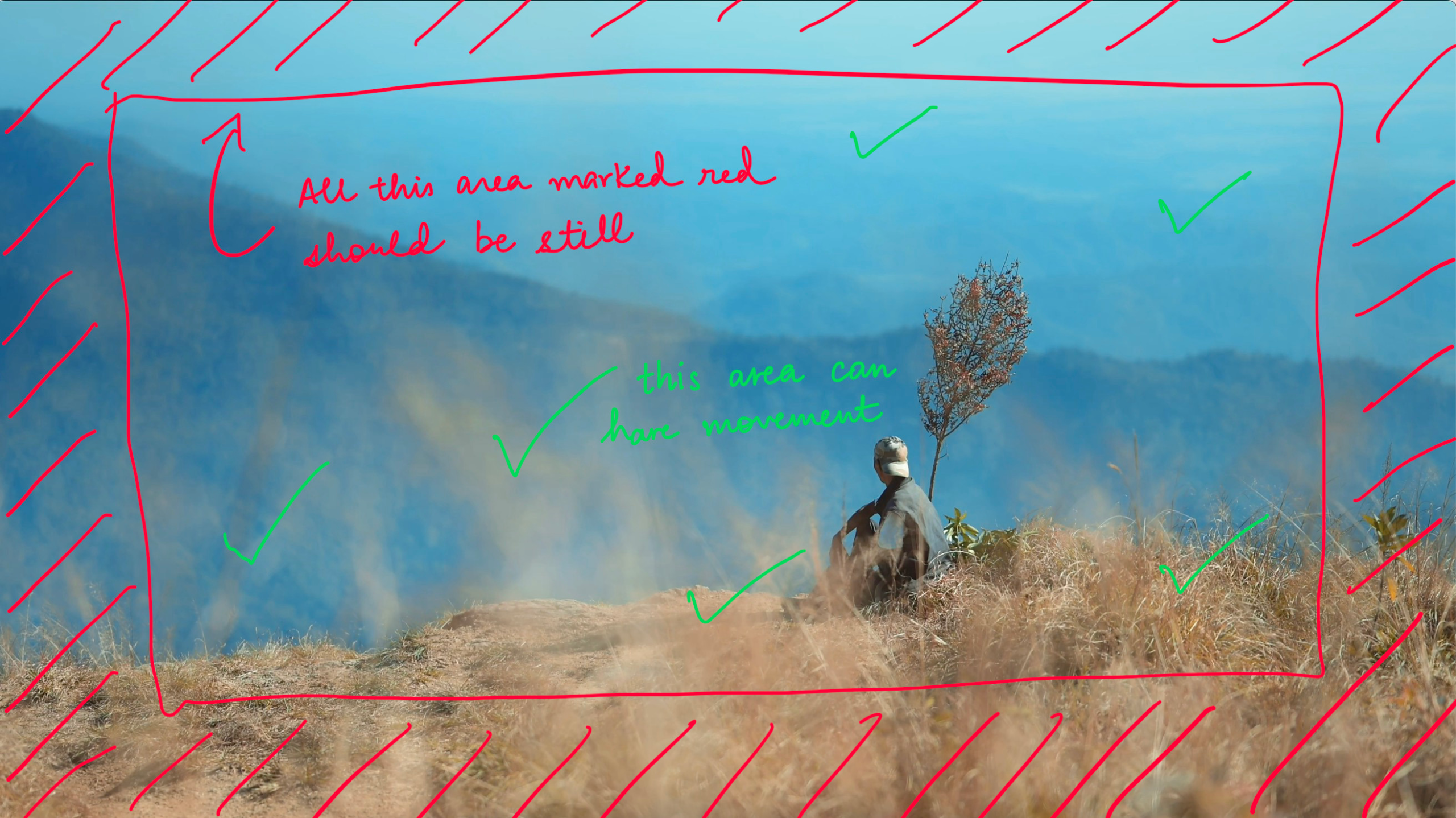
This works best for videos in which the movement is happening in the middle of the frame and not around the edges.
Here’s an example:

Table Of Contents
Let’s expand the frame to make horizontal videos vertical
Take a screenshot
Open your video, play it and take a screenshot.
Now take this screenshot to Photoshop.
Open Photoshop
Expand the canvas to 9:16 and click on Generative AI.

Photoshop will generate the scene and fill up the empty area so that it blends with your frame.
Check out all of the 3 options to find the best one or give more specific prompts to generate a scene of your liking.


Once you’ve the scene you love, disable the layer on which your screenshot was present.
I preferred option 2 for my image.
You should now have only the AI-generated scence that fills up the 9:16 aspect ratio.
Export this as a transparent PNG.
Open the video editing app/software of your choice
Go to any software or app where you edit your videos and use this transparent PNG as an overlay over your horizontal video.
Adjust it perfectly to match the frame and viola! You’ve just made your horizontal video vertical without comprising on the quality.
Other Photoshop Tutorials:
Create A Seamless Post On Instagram Using Photoshop
How To Unlock Free LUTs in Photoshop
Skin Retouching In Photoshop Using Frequency Separation (5 Steps)

Subscribe to never miss a post!

Leave a Reply to AnonymousCancel reply