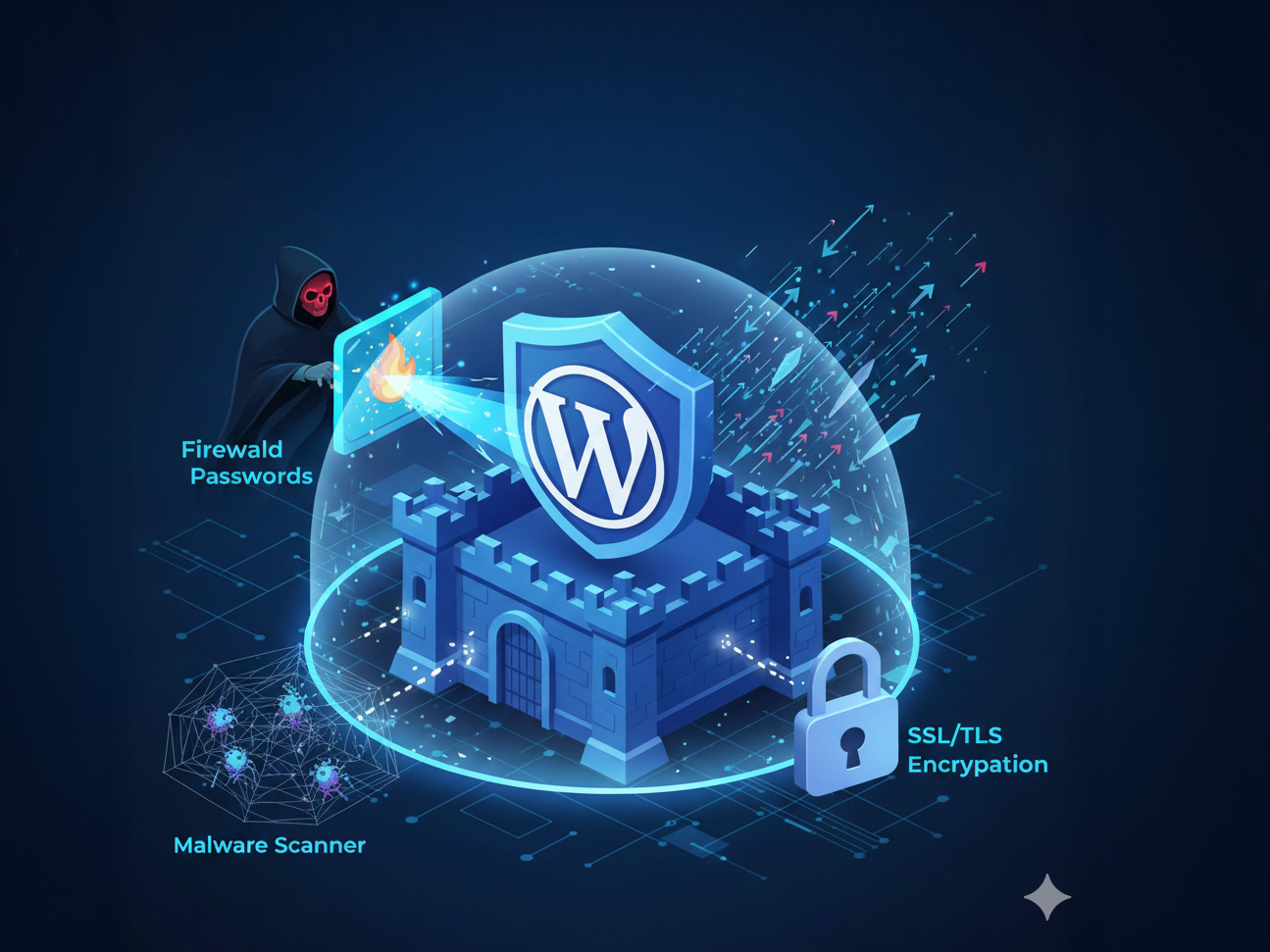

WordPress is the most widely used content management system in the world, which also makes it a common target for cyber attacks. It’s essential to learn how to protect WordPress website from hackers.
Many website owners believe hackers only target large businesses, but small blogs and new WordPress websites are often attacked because they are easier to compromise.
Learning how to secure a WordPress website from hackers is essential to protect your data, traffic and online reputation.
When a WordPress website is hacked, it can result in malware infections, spam links, Google penalties and complete loss of access.
Strong WordPress website security helps prevent these issues and ensures your site remains trustworthy for both users and search engines.
Table Of Contents
Common Reasons Why WordPress Websites Get Hacked
Most WordPress hacking incidents happen due to outdated software, weak login credentials or poor hosting security.
Hackers use automated bots that scan thousands of websites looking for known vulnerabilities. If your WordPress core, theme or plugin is not updated, it becomes an easy entry point.
Another common reason is poor password hygiene. Simple or reused passwords allow attackers to break into WordPress dashboards with minimal effort.
Understanding these risks is the first step in learning how to protect WordPress website.
5 Things You Should Do To Keep Hackers Away, Protect WordPress Website

Keep WordPress Core Themes and Plugins Updated
One of the most effective WordPress security tips is keeping your website updated.
WordPress updates often include important security fixes that close vulnerabilities before they can be exploited. When updates are ignored, hackers can take advantage of known flaws.
Updating your WordPress core, themes and plugins ensures your site runs on the most secure version available.
Enabling automatic updates for minor releases helps maintain WordPress website security without constant manual effort.
Use Strong Usernames and Passwords
Strong login credentials play a major role in protecting a WordPress site from hackers.
Avoid using common usernames and ensure your passwords are long and complex. Every user account on your website should follow strict password standards.
Even one weak user account can compromise the entire website. Using unique passwords for WordPress and avoiding reuse across platforms significantly reduces the risk of unauthorized access.
Install a Reliable WordPress Security Plugin
A security plugin adds an essential layer of protection to your WordPress website.
These plugins monitor activity, scan for malware and block suspicious behavior automatically. They act as a security guard that works around the clock.
Using a well maintained security plugin helps secure your WordPress website and provides early warnings if something goes wrong.
This makes it easier to respond before major damage occurs.
Here are 5 reliable WordPress security plugins you can use to help secure your WordPress website from hackers, along with why they’re considered strong choices:
1. Wordfence Security

Wordfence is one of the most popular and comprehensive security plugins for WordPress.
It includes an endpoint firewall, malware scanner, and robust login protection features that help block malicious traffic and unauthorized access. Wordfence also updates its threat database frequently and can show live traffic and attack views so you know when threats are being stopped.
2. Sucuri Security

Sucuri is a powerful security plugin that offers site monitoring, malware scanning, and cleanup services in addition to a strong firewall.
It’s widely recommended for users who want a higher level of protection and visibility into threats. Sucuri’s firewall helps block bad traffic before it even reaches your WordPress site, making it a good choice for business sites and high-traffic blogs.
3. All-In-One WP Security & Firewall

This plugin is a great free option that provides a wide range of security features including firewall rules, login protection, and site hardening tools. It’s designed to be beginner-friendly with a clear setup process and security strength indicators that help you understand how secure your setup is.
It also includes options like two-factor authentication and brute-force protection.
4. Solid Security (formerly iThemes Security)

Solid Security (previously known as iThemes Security) helps protect your WordPress website by enforcing strong password policies, offering two-factor authentication, and detecting file changes. Its intuitive dashboard makes it easier for beginners to configure important security settings and follow best practices.
5. Jetpack Security

Jetpack is developed by Automattic, the company behind WordPress itself, and includes a suite of security tools such as uptime monitoring, malware scanning, brute-force protection, and activity logs.g
While Jetpack covers other areas like performance and backups, its security features are reliable and integrate seamlessly with WordPress, making it a good all-in-one choice especially for smaller sites and blogs.
Also Read: Long Tail Keyword Examples Broken Down In The EASIEST Terms
Enable a Firewall to Block Malicious Traffic

A firewall is a critical component of WordPress website security. It filters incoming traffic and blocks malicious bots before they reach your site.
Firewalls protect against brute force attacks, spam requests and automated hacking attempts.
By stopping threats at the entry point, a firewall reduces server load and keeps your WordPress website safe from common attack methods.
Here’s a tutorial on how to enable firewall on WordPress.
Secure the WordPress Login Page
The WordPress login page is one of the most frequently attacked areas of a website.
Improving login security is essential for WordPress hacking prevention. Limiting login attempts prevents bots from guessing passwords repeatedly.
Adding two factor authentication strengthens login security by requiring an extra verification step.
Even if login credentials are compromised, attackers cannot access the dashboard without the second factor.
Here’s a tutorial on how to add two factor authentication to your login.
Choose Secure WordPress Hosting
Your hosting provider plays a major role in how secure your WordPress website is. Secure hosting environments include server level firewalls, malware scanning and automatic security updates.
Poor quality hosting often lacks these protections and increases vulnerability.
Choosing reliable WordPress hosting improves performance and adds an extra layer of protection that works alongside your security plugins.
Here’s a list of 7 good WordPress hosting providers you can consider — from beginner-friendly and affordable options to high-performance managed hosts suitable for business sites.
1. Bluehost
Bluehost is one of the most popular WordPress hosting providers in the world and is recommended by WordPress.org itself. It’s beginner-friendly with easy WordPress installation, free SSL, free domain for the first year, and 24/7 support. It’s ideal for blogs, portfolios, and small business sites.
2. Hostinger
Hostinger offers affordable WordPress hosting with solid performance, good uptime, and simple management through its custom panel. It’s known for fast response times and tools that help beginners launch WordPress sites quickly.
3. SiteGround
SiteGround is highly regarded for its performance, customer support, and WordPress-specific features like staging, automatic updates, and advanced caching. It’s a great choice if you want reliable speed and strong support.
4. WP Engine
WP Engine is a premium managed WordPress hosting provider focused on performance, security, and scalability. It handles technical details like automatic updates and backups for you, making it ideal for business sites and high-traffic blogs.
5. Cloudways
Cloudways offers managed cloud hosting for WordPress with flexible pricing and choice of infrastructure providers like DigitalOcean, AWS, and Google Cloud.
6. WordPress.com (Managed Hosting Plans)
WordPress.com itself provides hosting plans ranging from simple sites to business-grade environments with automatic security, backups, and support. It’s a good option if you want an all-in-one WordPress experience without technical setup.
7. Kinsta
Kinsta is a premium managed WordPress hosting service built on Google Cloud Platform. It’s known for its high performance, developer tools, excellent support, and scalability.
| Site Type | Recommended Hosting | Best For | Why It’s a Good Choice |
|---|---|---|---|
| Blog | Hostinger | Beginners and personal blogs | Very affordable pricing, beginner-friendly dashboard, free SSL, good speed for small to medium traffic blogs |
| Blog | Bluehost | New bloggers | Officially recommended by WordPress.org, one-click WordPress install, free domain for first year |
| Blog | SiteGround | Growing blogs | Excellent customer support, strong performance, built-in caching and security features |
| Business Website | SiteGround | Small to medium businesses | High uptime, advanced security, automatic updates, reliable support for business needs |
| Business Website | Cloudways | Scalable business sites | Managed cloud hosting, choice of DigitalOcean AWS or Google Cloud, great for growing traffic |
| Business Website | Kinsta | Premium business sites | High-performance hosting on Google Cloud, excellent security, expert WordPress support |
| WooCommerce Store | WP Engine | Online stores | Optimized specifically for WooCommerce, strong security, automatic backups, handles traffic spikes well |
| WooCommerce Store | Kinsta | High-traffic stores | Fast load times, scalable infrastructure, excellent WooCommerce performance |
| WooCommerce Store | Cloudways | Flexible eCommerce sites | Powerful cloud servers, scalable resources, good balance of cost and performance |

Subscribe to never miss a post!
Leave a Reply